
Drumagery 🥁🖼️ v1
Building a Visual Instrument for Live Collaboration
Drumagery is a browser-based visual instrument I built for a live band collaboration event through Long Beach City College, with support from Workforce Programming.
The prototype was created for a collaboration with Under The Hood and C4RP00L, turning rhythm, visuals, MIDI-style interaction, and real-time performance into one playable system.
👇 Click each section below for more details.
🎛️ Controls
- Keyboard / MIDI: trigger visual and rhythmic responses in real time.
- Fullscreen mode: built for projection, performance, and live testing.
- Timing tools: adjust how visuals sequence, pulse, and respond rhythmically.
- Live improvisation: designed to be played while music is happening.
🎓 Why I Made It
I developed Drumagery while working part time at Long Beach City College. With support from Workforce Programming, I built the prototype as part of a larger collaborative event connecting music, digital media, performance, and experimental classroom practice.
The project grew out of analog-first creative systems like zines, dice prompts, rhythm games, collaborative drawing, and physical layout exercises translated into digital space.
🎤 Event Reflection
The collaboration with Under The Hood and C4RP00L went extremely well. Testing the app during a live music setting showed that the visuals could become part of the performance itself instead of functioning as passive background projection.
🎥 Video Demonstration
A real-time demonstration of Drumagery being tested and performed live.
🧾 Event Flyer
Flyer and promotional material from the collaborative event.
7aX Jingle
Been doing a lot of practice with coding expressions on good ol’ After Effects. We originally made this strange abstract series of glyphs to brush up our graffiti inspired lettering to brush up on Illustrator.
Relatively straight forward to put together. That color palette tho…yeeyuh!
I always get giddy when I can make music for my visuals, especially when I can stack different synths together for additional atmosphere in the soundscape.
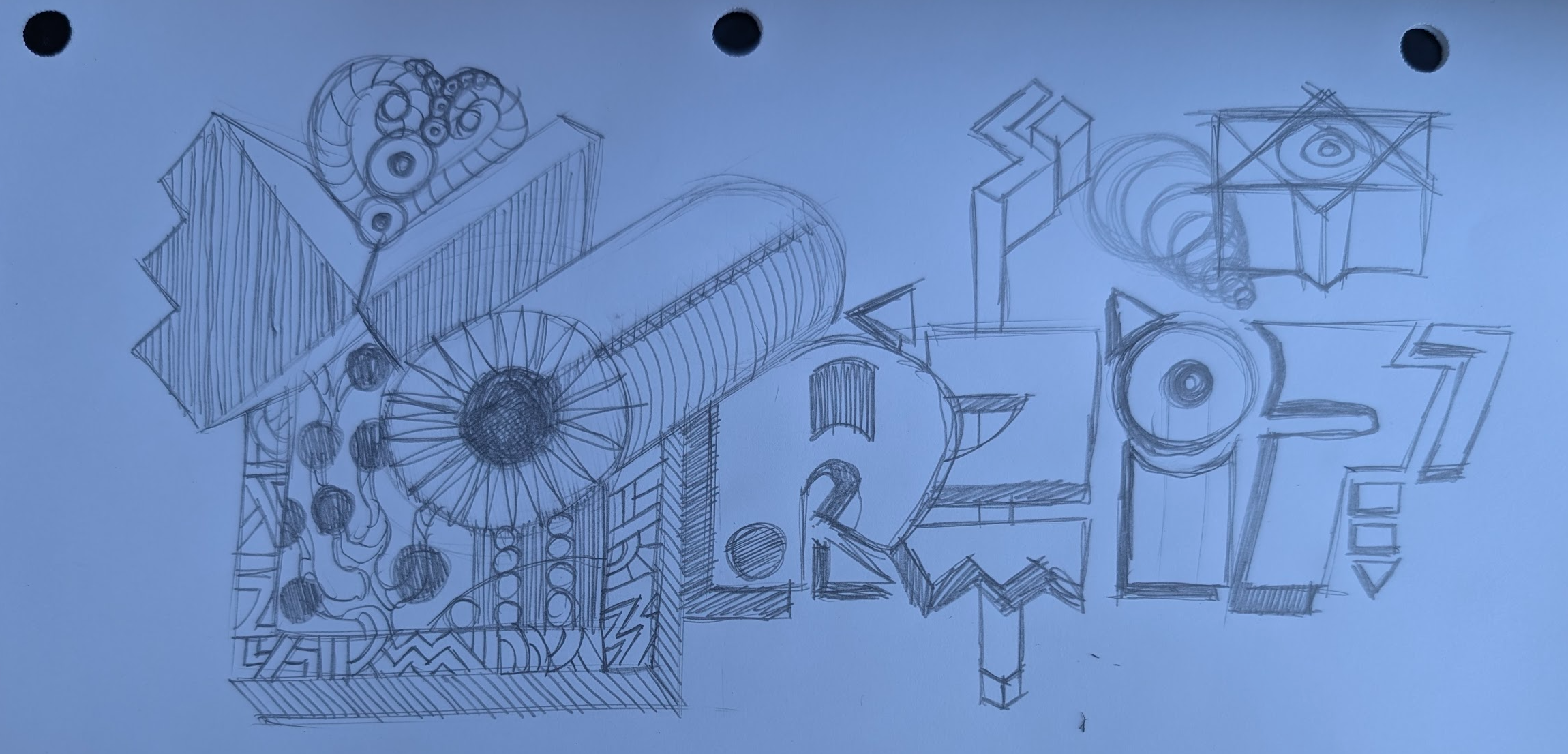
A gander at the original sketch. Lots of additional shapes and 3Dz. Penciling sharp keeps it fun and satisfying.
For those of you curious about how the “floaty” feel of the animation was built, here’s a peek at the exact After Effects expressions I used for each motion parameter scale, position, and rotation. You can open each section below to see the code that controls the bounce, ease, and drift in the design.
📈 Scale — Overshoot then settle
Paste on: Scale • Requires: 2 keyframes (0% → 100%)
// 120% overshoot, damped back to 100%
amp=0.20; freq=3; decay=4;
if (numKeys>1){
  t=time-key(2).time;
  if (t>0){
    delta=valueAtTime(key(2).time)-valueAtTime(key(1).time);
    value + delta*(amp*Math.sin(2*Math.PI*freq*t)/Math.exp(decay*t));
  } else value;
}else value;
🎯 Position — Rise & bounce into place
Paste on: Position • Requires: 2 keyframes (off-screen → final)
// Soft bounce settle
n=3; amp=.05; freq=4; decay=4;
t=time-key(2).time;
t>0
  ? value+(valueAtTime(key(2).time)-valueAtTime(key(1).time))
      *amp*Math.sin(freq*t*2*Math.PI)/Math.exp(decay*t)
  : value;
🌀 Rotation — 3 eased spins during scale-up
Paste on: Rotation (or Z Rotation) • Driven by: Scale keyframe window
// 3 smooth rotations while scaling up
s=transform.scale;
if (s.numKeys>=2){
  k1=s.key(1).time; k2=s.key(2).time;
  revs=3; start=valueAtTime(k1); end=start+revs*360;
  timek2 ? end : easeInOut(time,k1,k2,start,end);
}else value;
🌀 Rotation — Floaty loop after scale finishes
Paste on: Rotation (or Z Rotation) • Trigger: after last Scale key
// Gentle float after scaling completes
s=transform.scale;
if (s.numKeys>=2){
  end=s.key(s.numKeys).time; base=valueAtTime(end);
  if (time
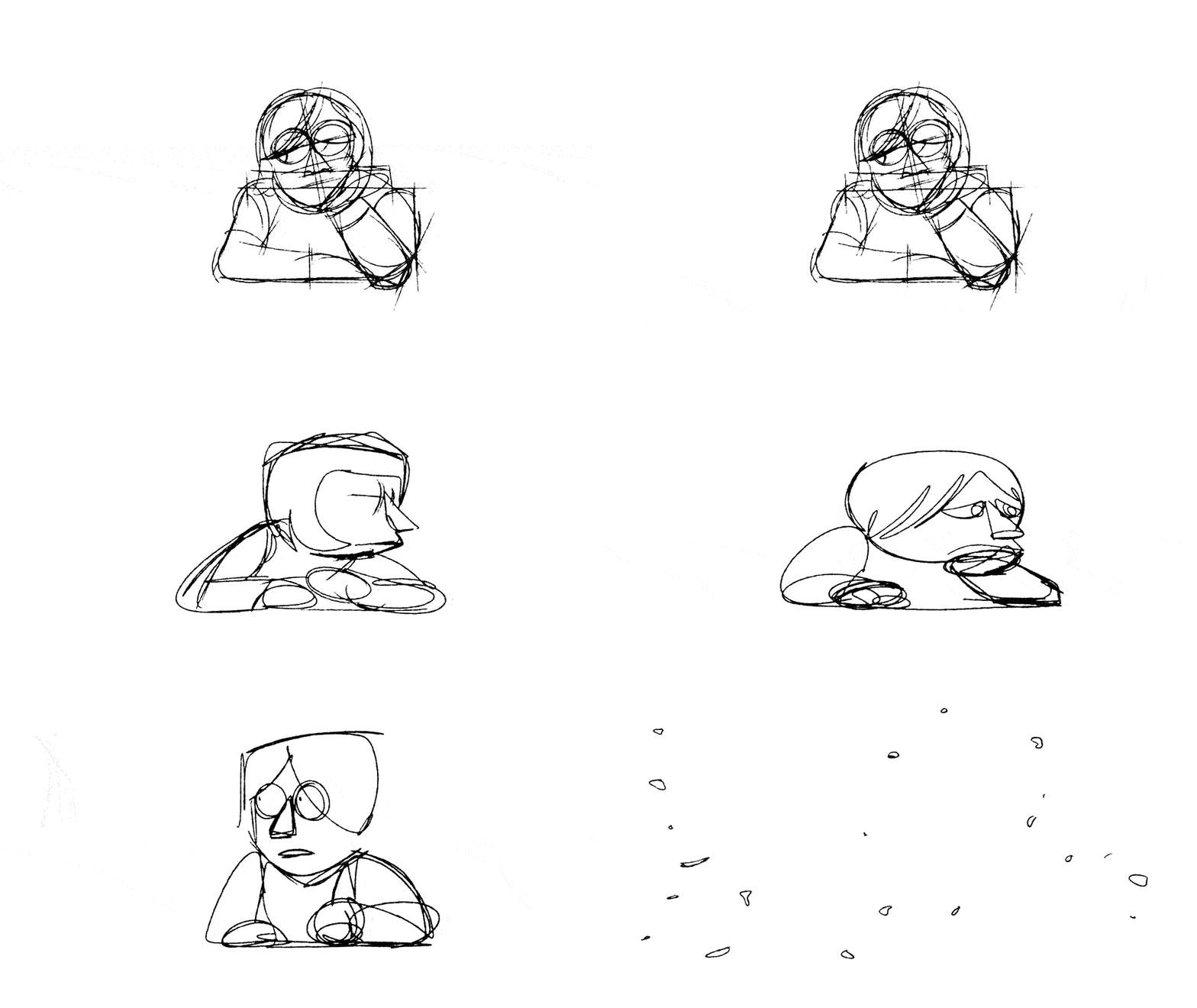
Tik Tok Men - Luke Warm (Music Video)
“Now begin in the middle, and later learn the beginning; the end will take care of itself.”
Harlan Ellison
