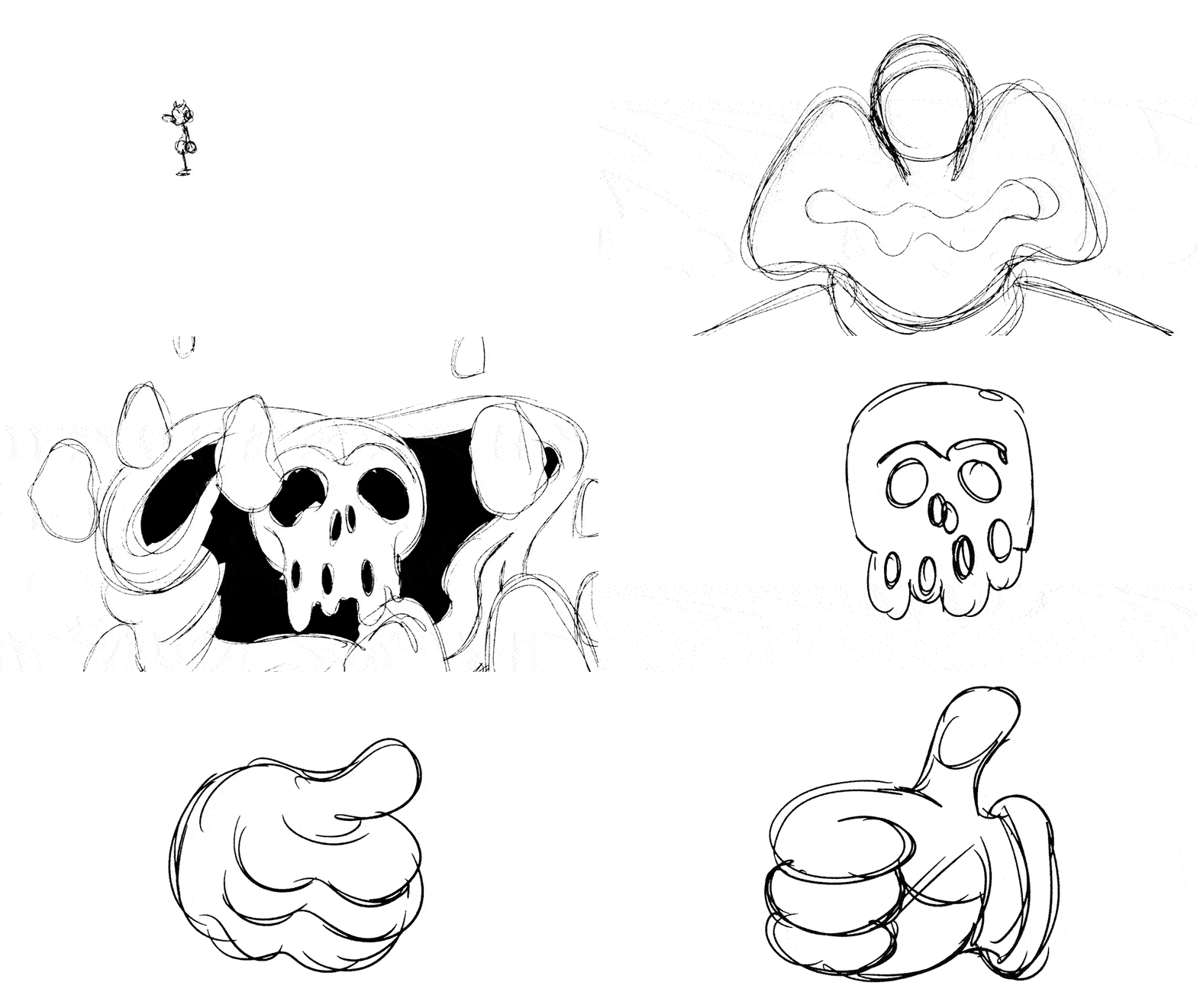
Dos Alas Studios GIFs
Procreate Dreams is king!
Animated a few gifs for our website’s sections. We are in fact working on building an arts education program for neurodivergent folx.

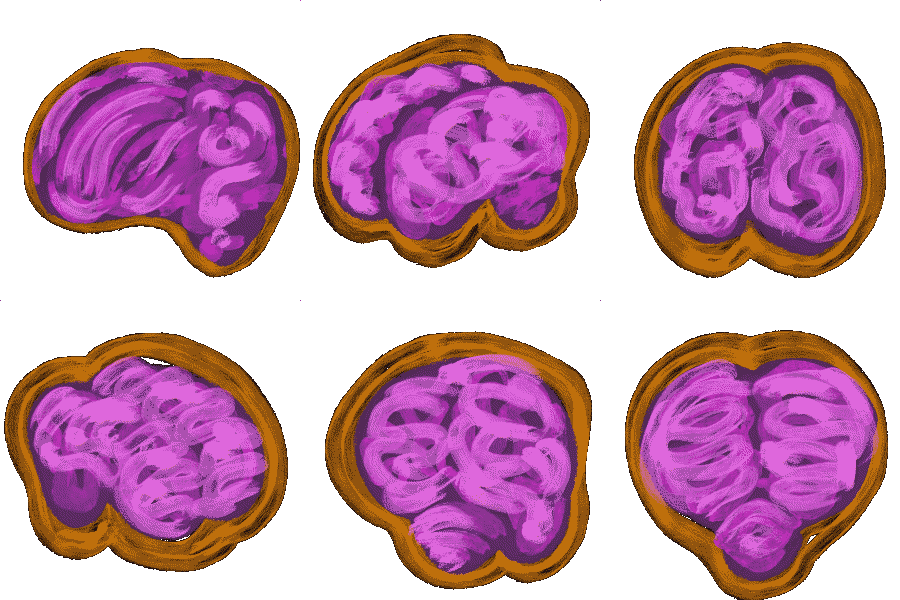
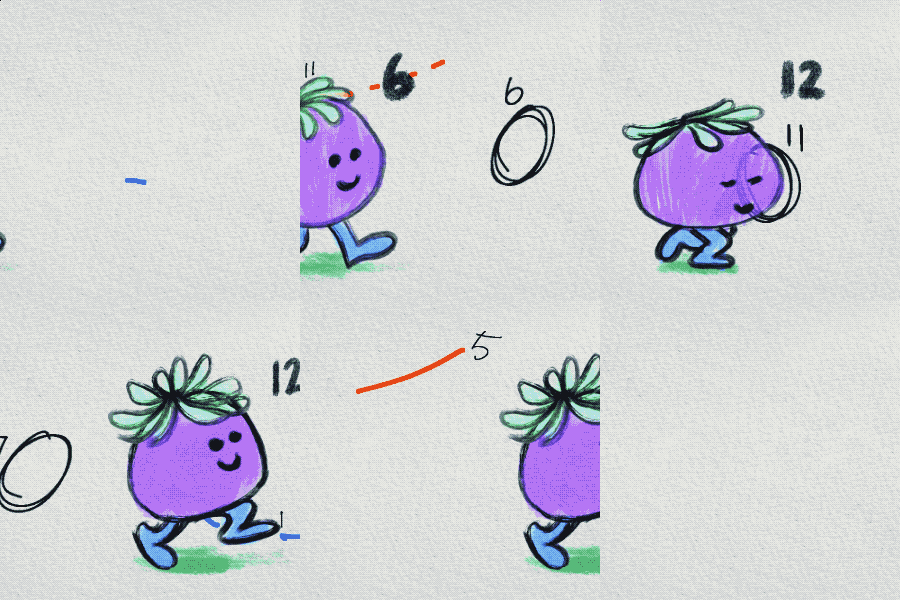
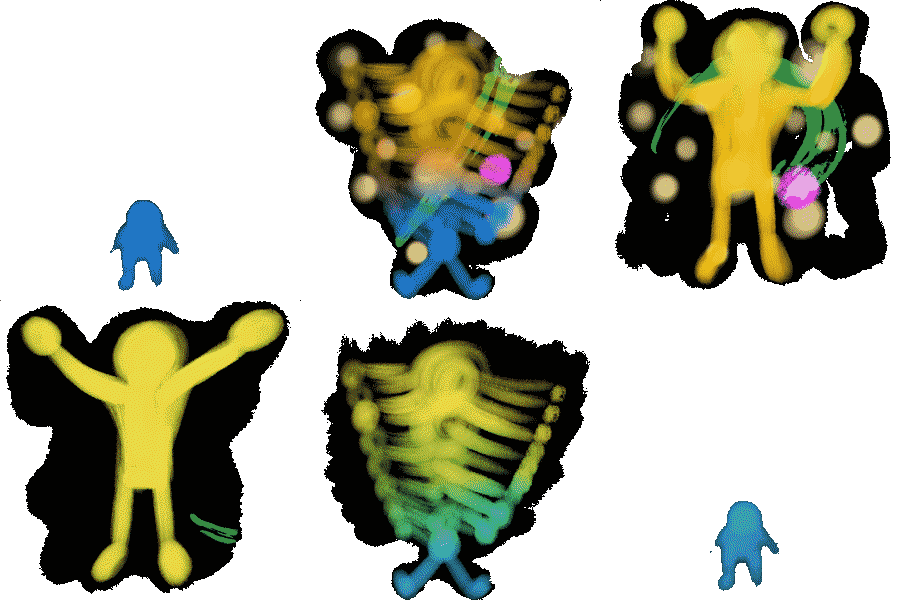
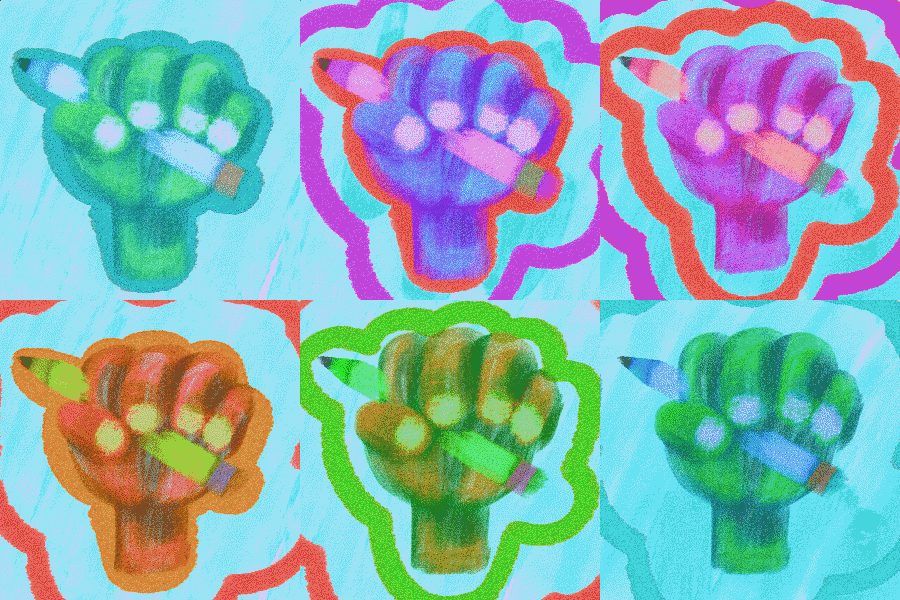
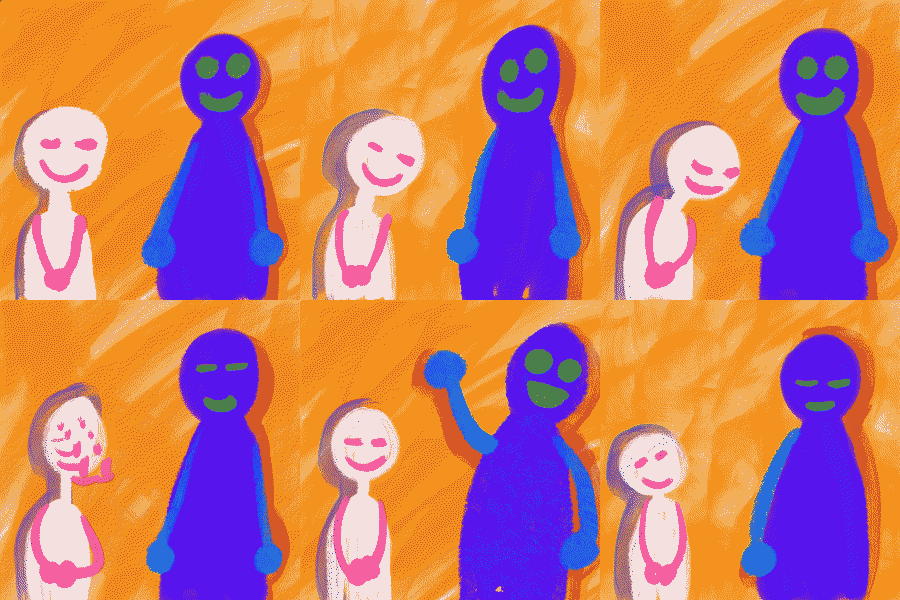
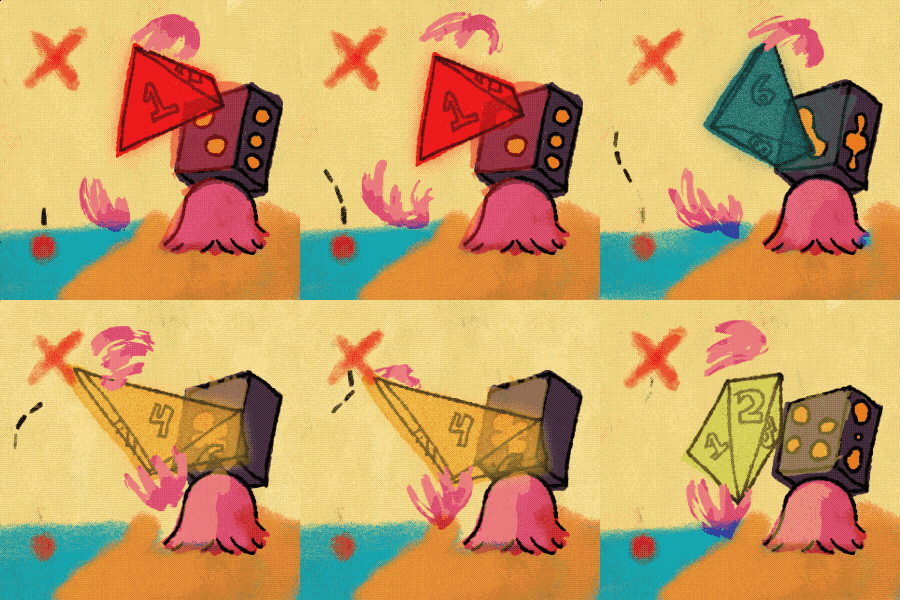
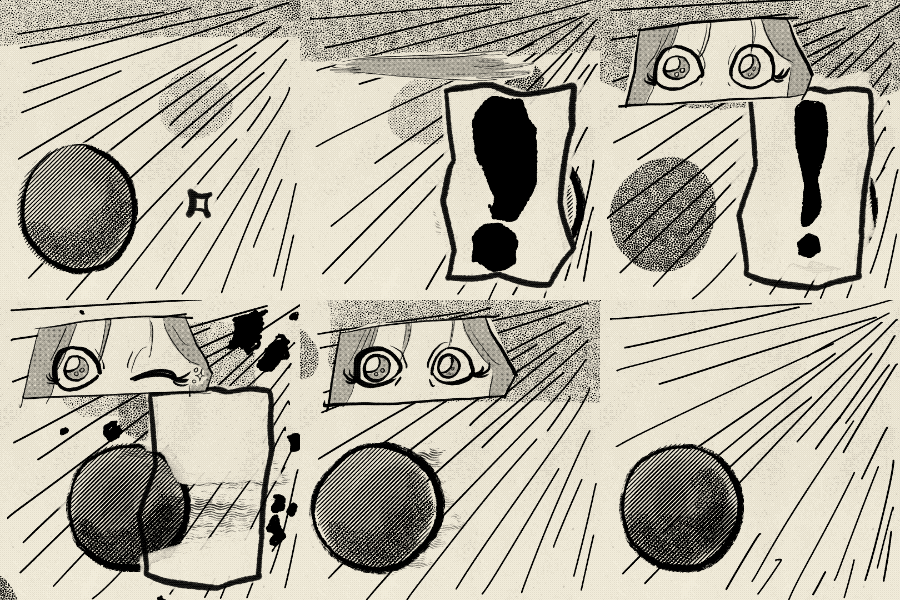
God bless Procreate Dreams 2.0 as it has beckon itself as GOD TIER amongst mortals as probably one of my favorite animation programs ever made. (Maybe we’ll make a tutorial video someday :) Enjoy!
Grandma's Room

Made a GIF for the design of the next room for the game. Wanted to maintain the zine aesthetic for our concept whilst coming up with interesting ways to invent an interactive room. I’ve already set in place the objects for programming, now we just need to put it all together. Hopefully it all works!
7aX Jingle
Been doing a lot of practice with coding expressions on good ol’ After Effects. We originally made this strange abstract series of glyphs to brush up our graffiti inspired lettering to brush up on Illustrator.
Relatively straight forward to put together. That color palette tho…yeeyuh!
I always get giddy when I can make music for my visuals, especially when I can stack different synths together for additional atmosphere in the soundscape.
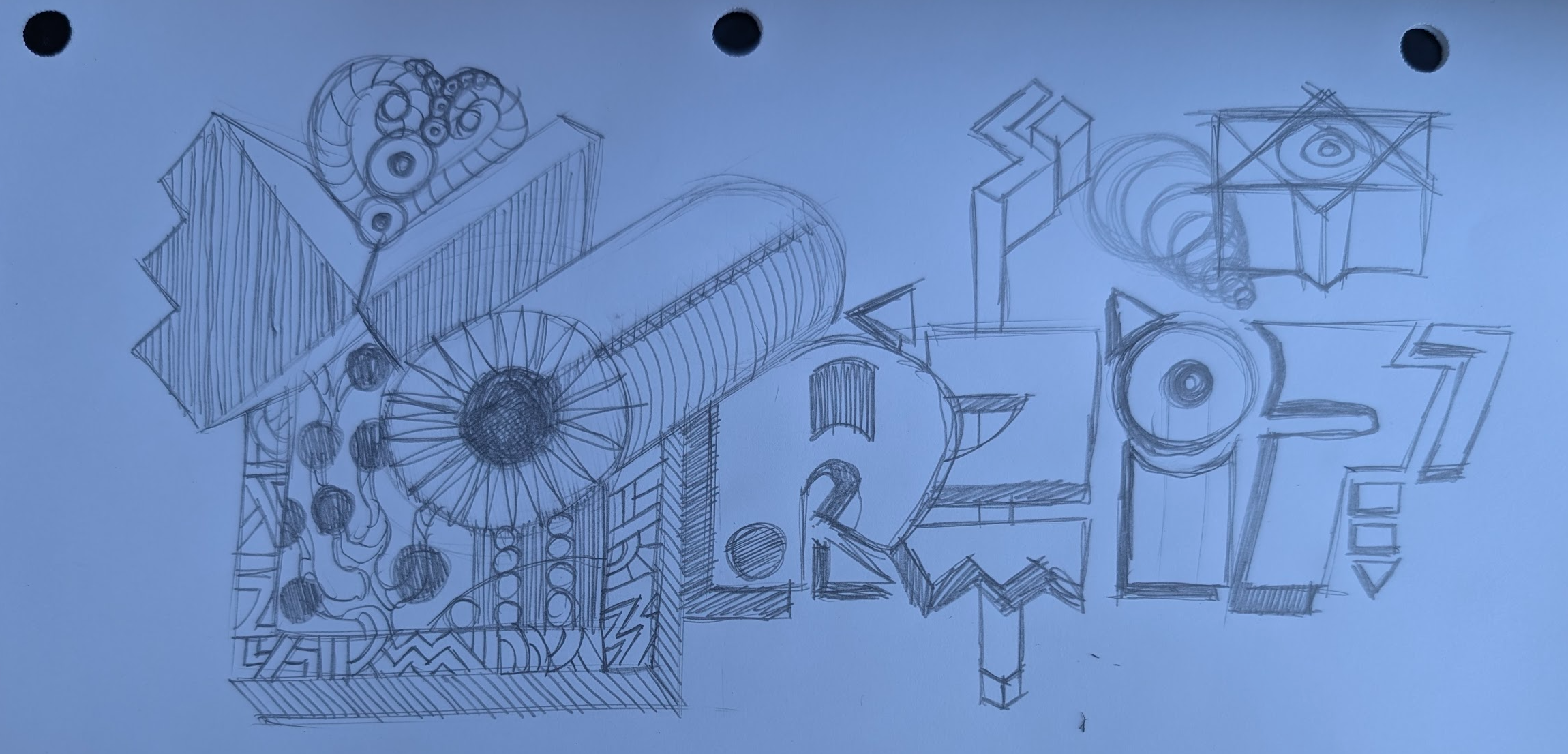
A gander at the original sketch. Lots of additional shapes and 3Dz. Penciling sharp keeps it fun and satisfying.
For those of you curious about how the “floaty” feel of the animation was built, here’s a peek at the exact After Effects expressions I used for each motion parameter scale, position, and rotation. You can open each section below to see the code that controls the bounce, ease, and drift in the design.
📈 Scale — Overshoot then settle
Paste on: Scale • Requires: 2 keyframes (0% → 100%)
// 120% overshoot, damped back to 100%
amp=0.20; freq=3; decay=4;
if (numKeys>1){
  t=time-key(2).time;
  if (t>0){
    delta=valueAtTime(key(2).time)-valueAtTime(key(1).time);
    value + delta*(amp*Math.sin(2*Math.PI*freq*t)/Math.exp(decay*t));
  } else value;
}else value;
🎯 Position — Rise & bounce into place
Paste on: Position • Requires: 2 keyframes (off-screen → final)
// Soft bounce settle
n=3; amp=.05; freq=4; decay=4;
t=time-key(2).time;
t>0
  ? value+(valueAtTime(key(2).time)-valueAtTime(key(1).time))
      *amp*Math.sin(freq*t*2*Math.PI)/Math.exp(decay*t)
  : value;
🌀 Rotation — 3 eased spins during scale-up
Paste on: Rotation (or Z Rotation) • Driven by: Scale keyframe window
// 3 smooth rotations while scaling up
s=transform.scale;
if (s.numKeys>=2){
  k1=s.key(1).time; k2=s.key(2).time;
  revs=3; start=valueAtTime(k1); end=start+revs*360;
  timek2 ? end : easeInOut(time,k1,k2,start,end);
}else value;
🌀 Rotation — Floaty loop after scale finishes
Paste on: Rotation (or Z Rotation) • Trigger: after last Scale key
// Gentle float after scaling completes
s=transform.scale;
if (s.numKeys>=2){
  end=s.key(s.numKeys).time; base=valueAtTime(end);
  if (time